
Learning Materials
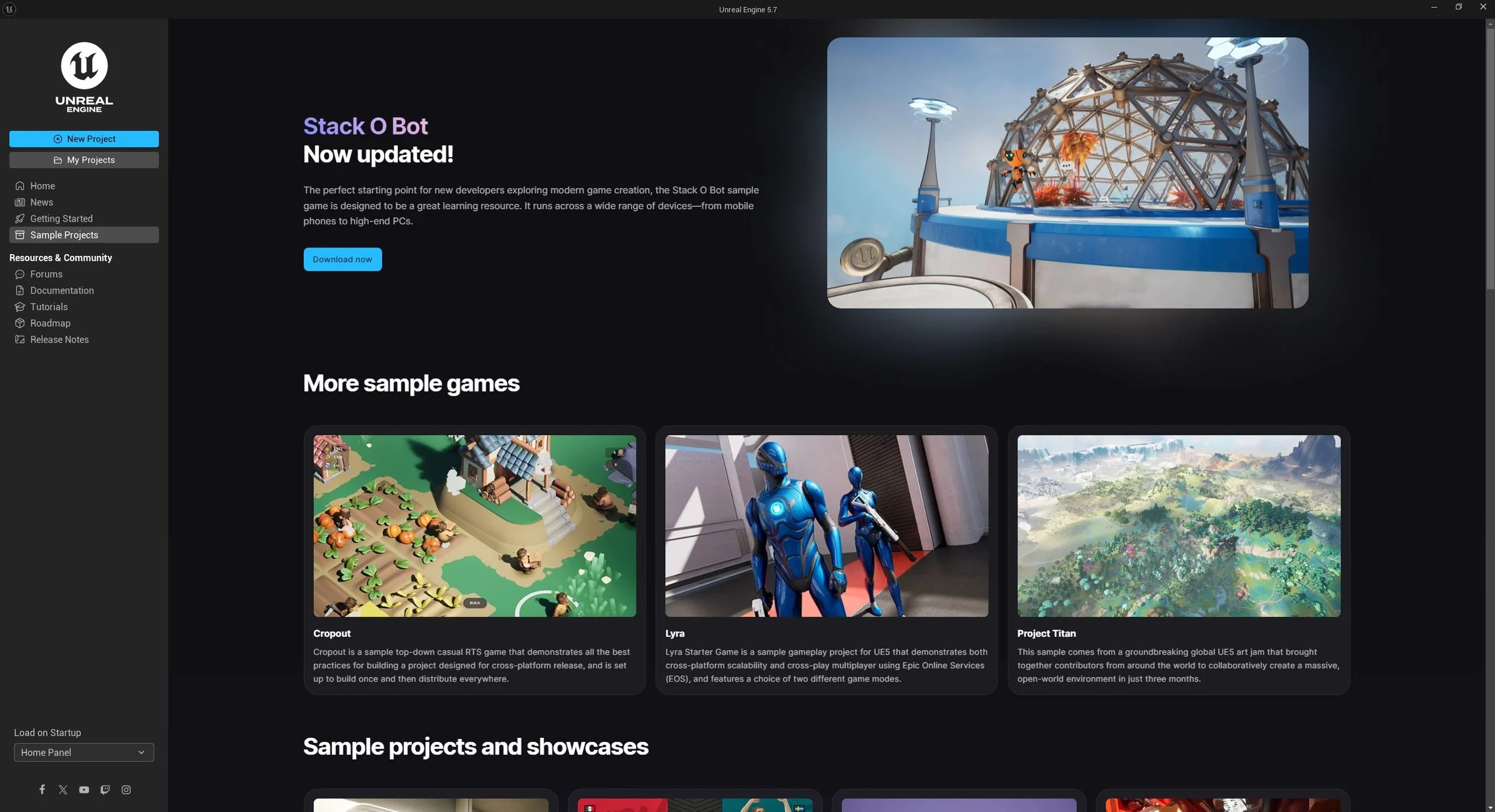
The Unreal Engine can be launched via the Epic Games Launcher, whereby you will need a free Epic account to sign in with. This also has the added benefit of granting you access to free assets periodically uploaded onto the Fab.com website, which is Unreal’s own marketplace for assets, plugins and resources.
This epic account also works with Metahuman creator, Realityscan/Reality Capture and for some games that use the Unreal Engine as a backend system.
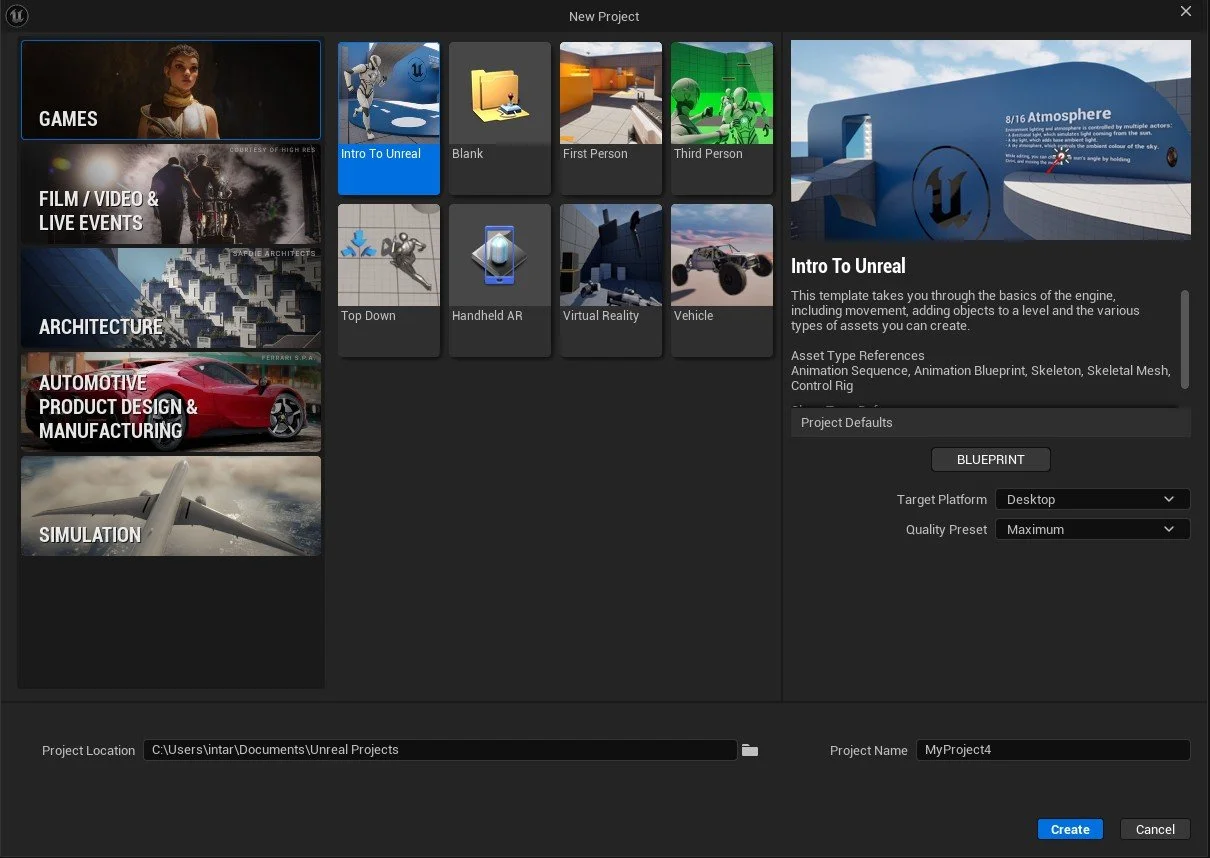
When we launch Unreal Engine, we will be greeted with the project window, which is where we can select a template to start building our Unreal scene. We will need to select a save location for our project (folder icon at the bottom to choose a location) and give our Project a name without spaces or unique characters.
These templates include control, camera and relevant plugins required for this sort of project. You can also open up previous projects we have made and saved in this window.
You can also set the quality settings and enable/disable Ray tracing if you have a ray tracing PC. All of these settings can be changed later but a rule of thumb is to start with a template that most suits your end use case (this will save you time).