
Unreal Template Guide
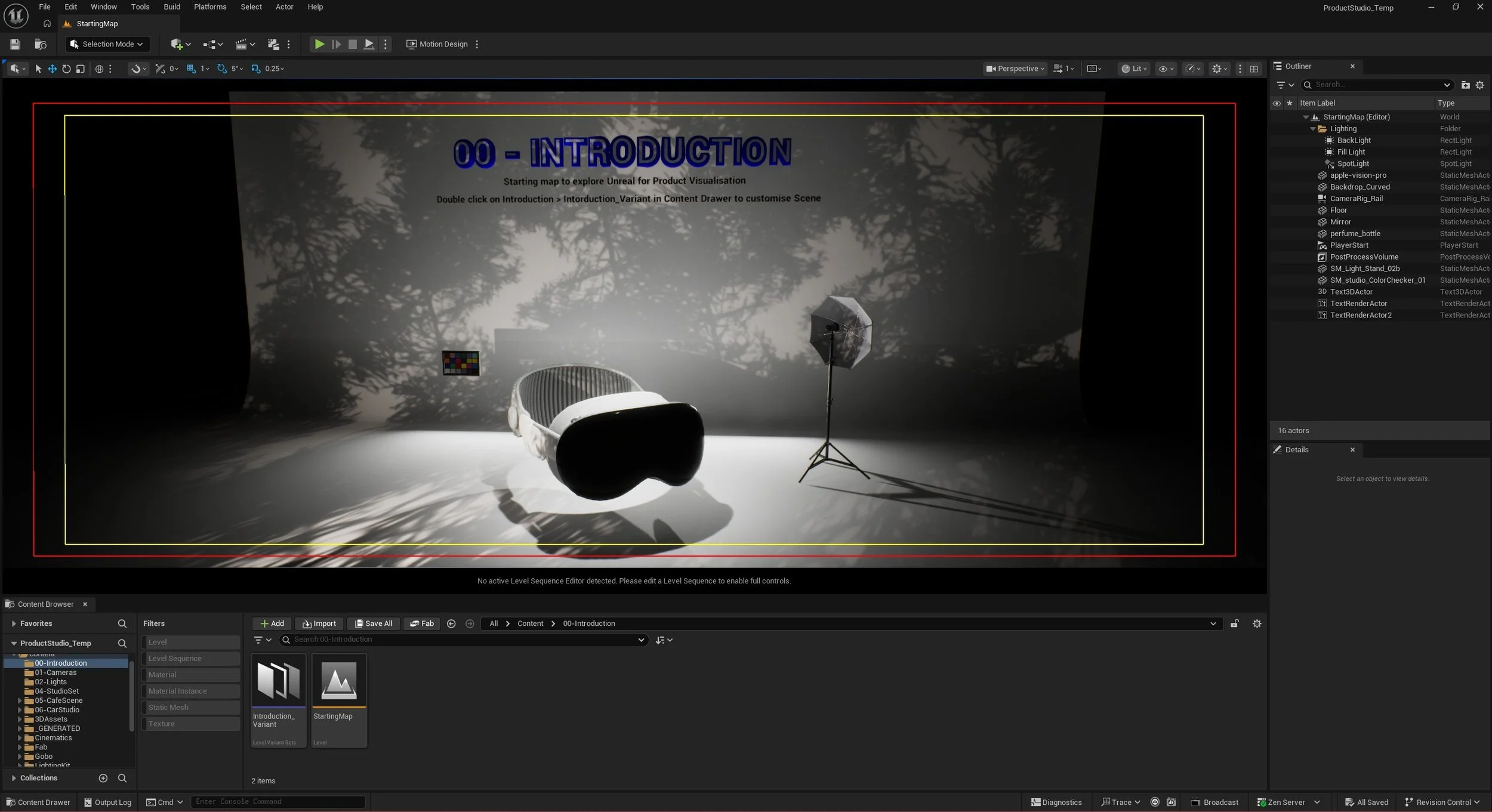
Introduction Map
When you first open up the Unreal ProductStudio_Template you will be presented with a starting map, this level is just an example map designed to get you familiar with Unreal navigation and the placement of assets, we will NOT be working within this map but it does introduce us to our first Variant Manager which will be used on multiple example maps throughout this project.
At the bottom you will find the Content Drawer this is typically hidden by default (can be opened keyboard shortcut via Ctrl+Spacebar) this is where all of our projects assets are housed alongside where all of the samples are located.