Creating and Customising Character
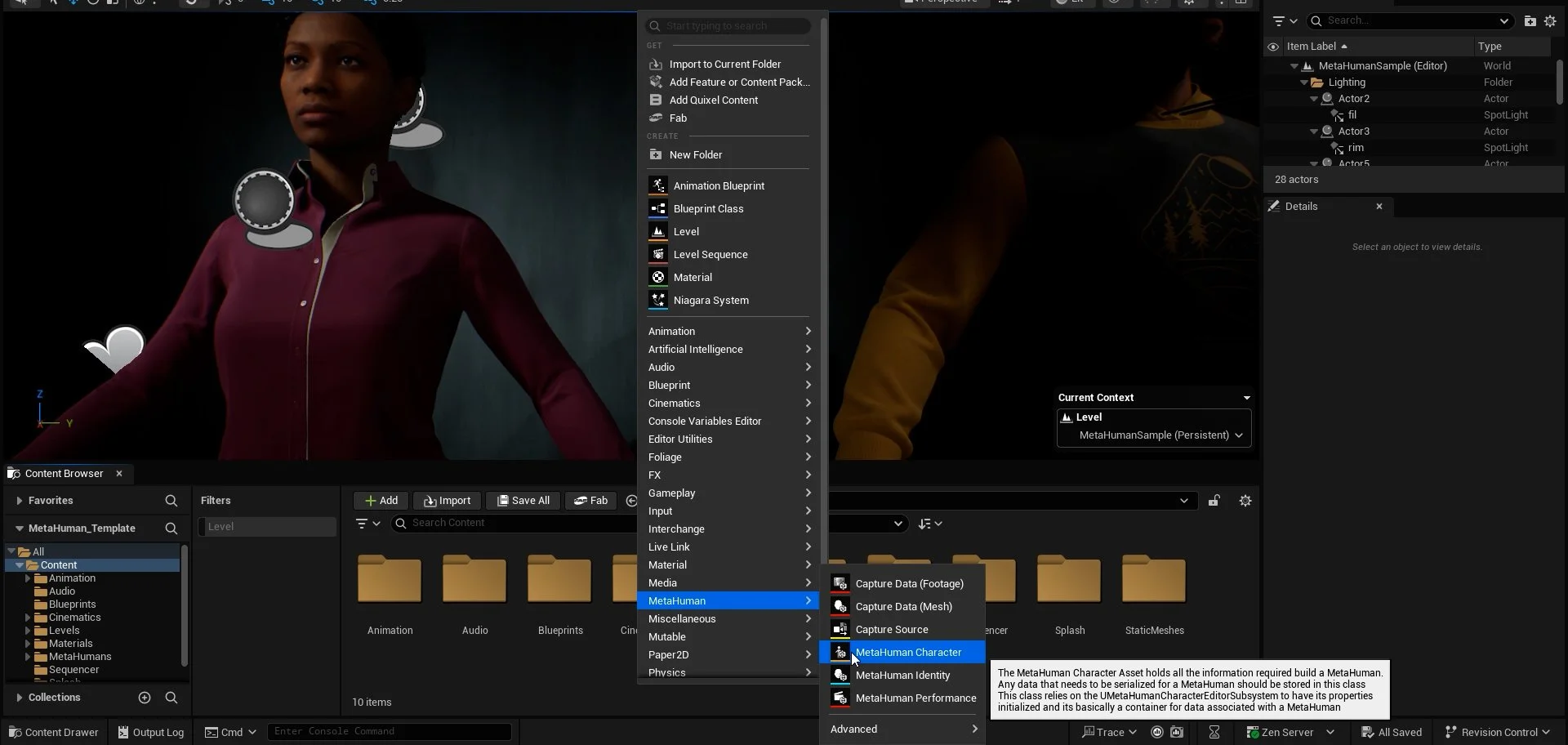
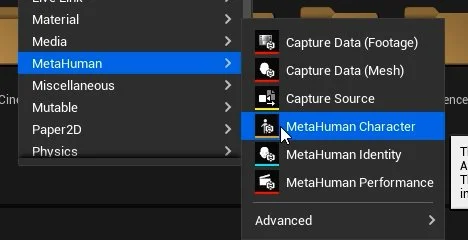
Open Content Browser within the Unreal Editor project and then right-click to open the Create Asset panel, select MetaHuman > MetaHuman Character. Name your character something appropriate.
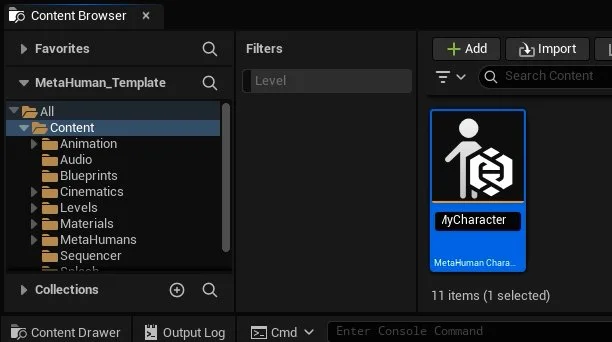
Double-click on the Metahuman Character within the Content Browser to open the character creator panel.
On the left-hand side, you will find character customisation options, from sculpt tools through to materials (skin), Hair, and grooming.
You can click and drag sculpt points, and or use property sliders to modify the face and body of your character
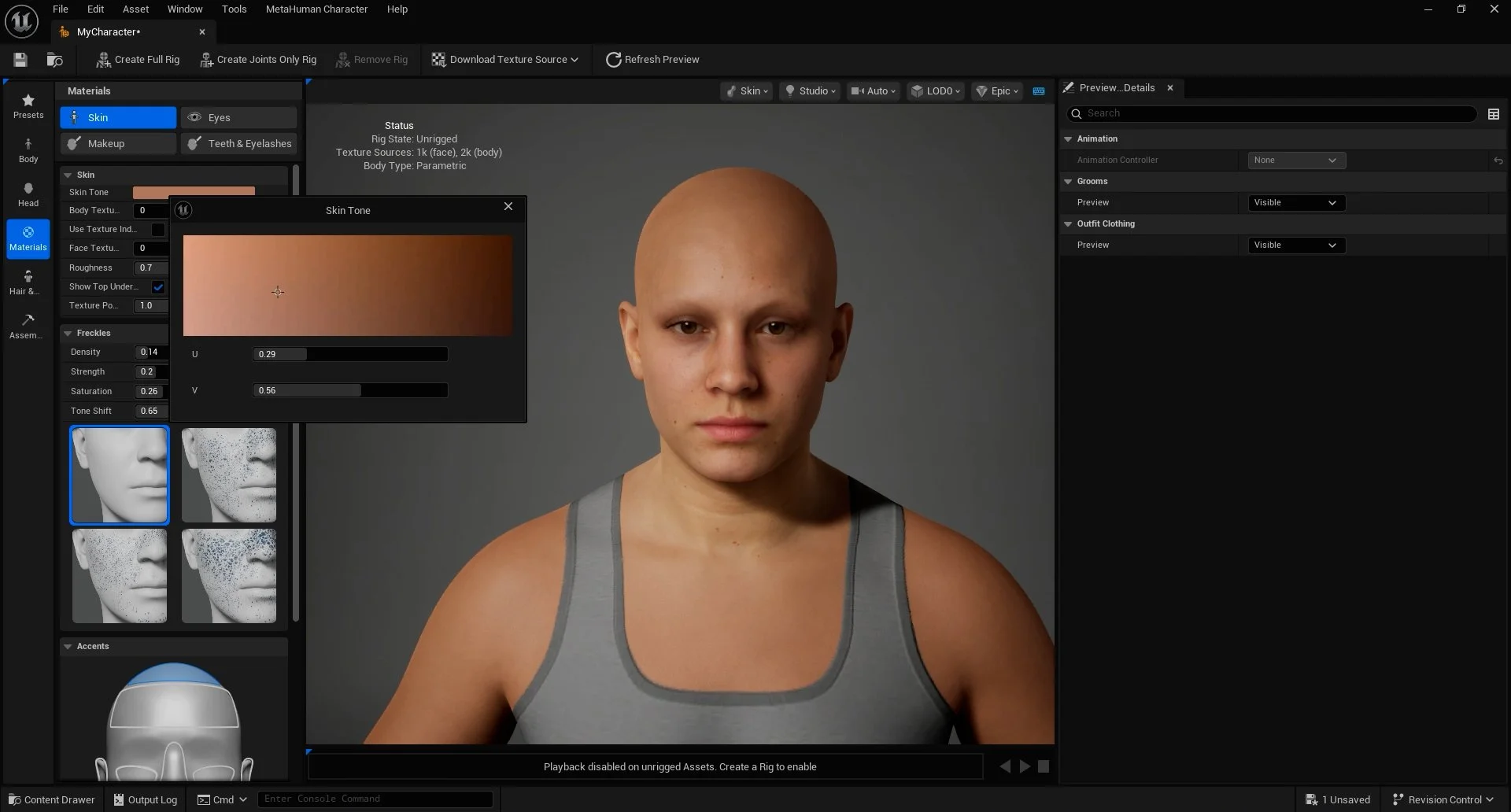
Once we have sculpted our character, we can apply skin, change the character’s eyes, apply makeup and adjust teeth. Face and body skin variants can be found via the Face/Body Textures slider.
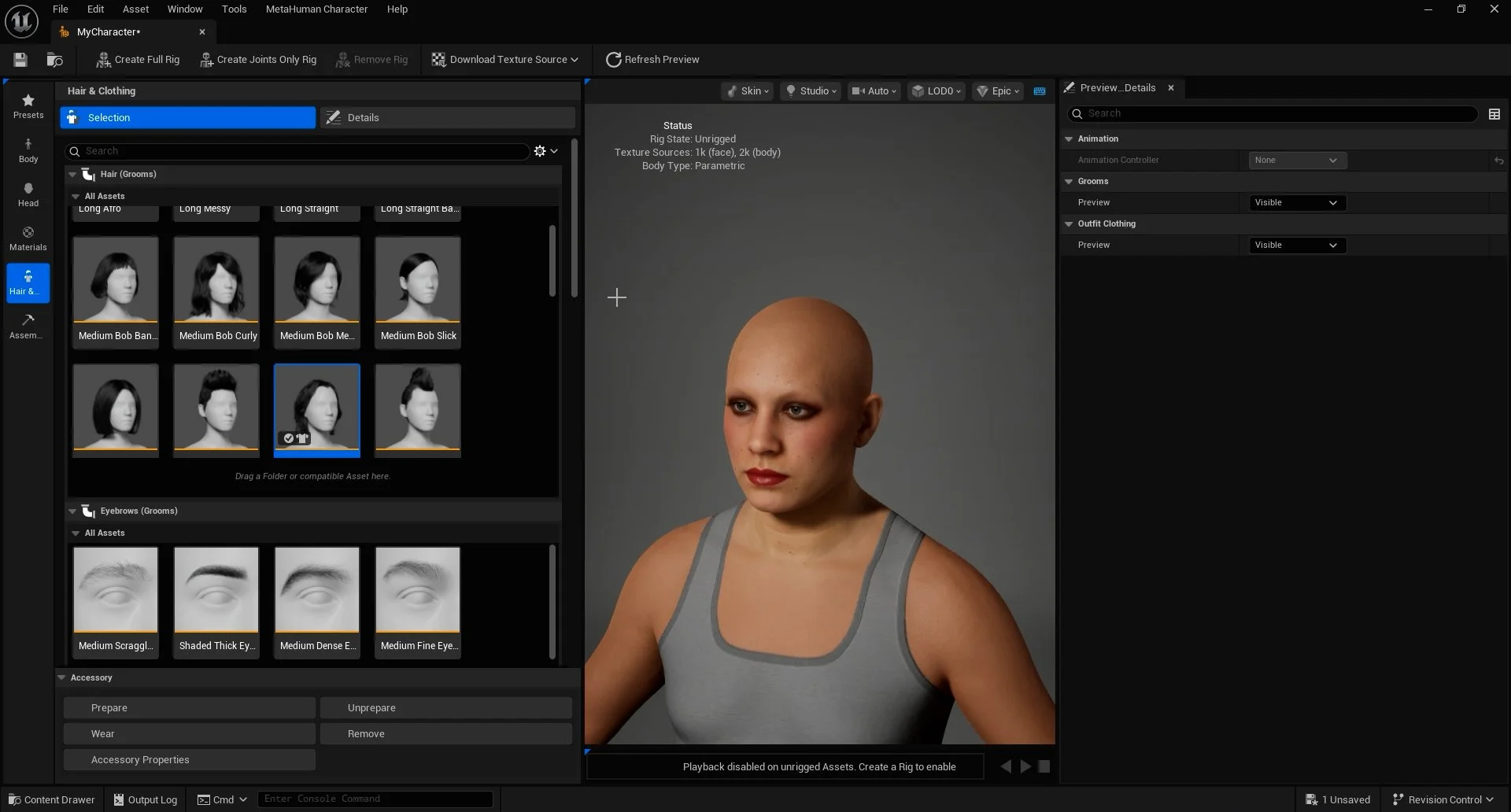
We can apply hair and clothing to our Metahuman via the Hair and Groom panel. To apply, double-click on the selection.
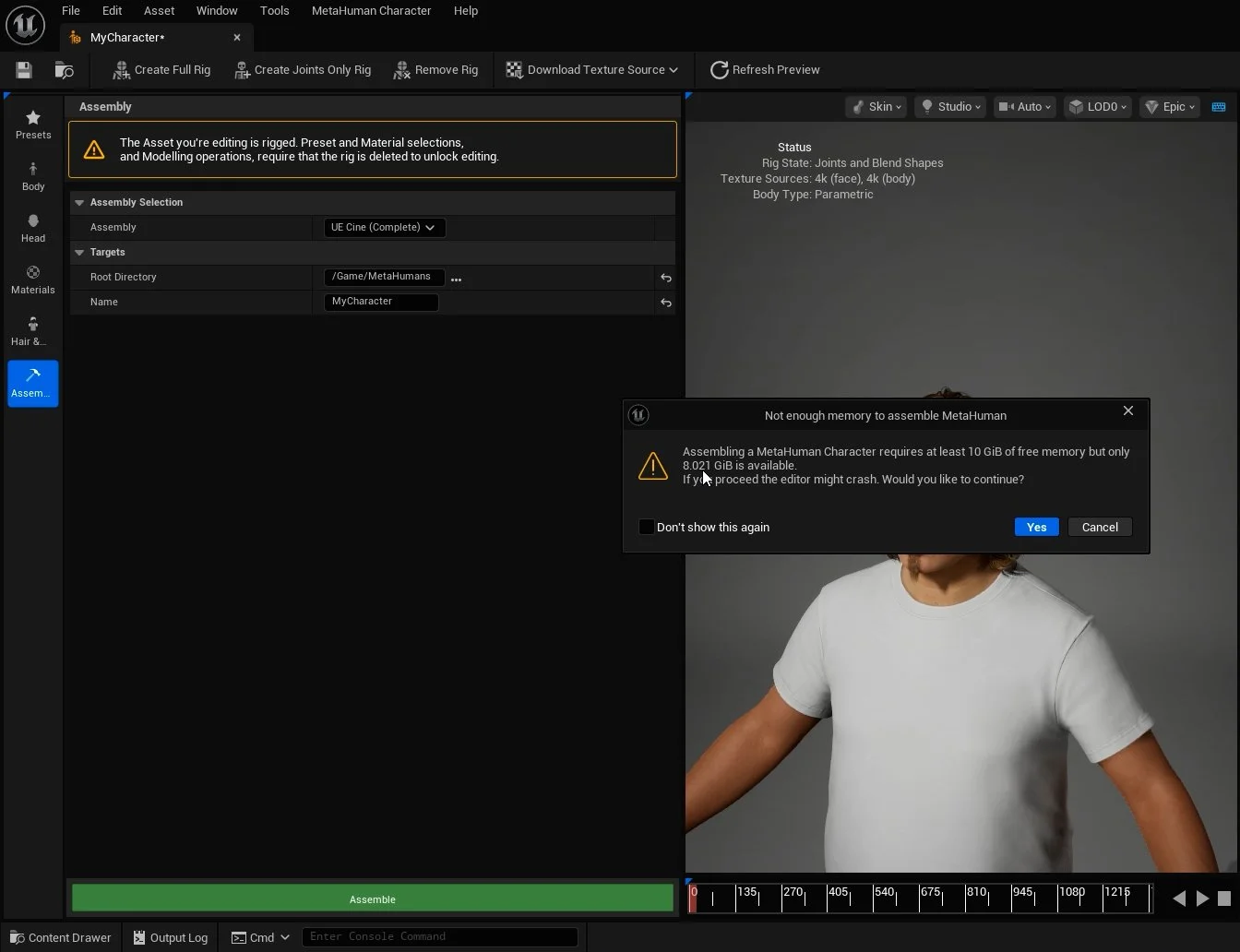
Once we have created and fully customised the character, we need to assemble the character to use it in our Unreal environment.
Before we can assemble our character, we need to first Create Full Rig and Download Texture Source > Download 4K Textures. These require online permissions and access as rig and textures are downloaded and processed online, a warning will appear for both options alongside a web sign-in window.

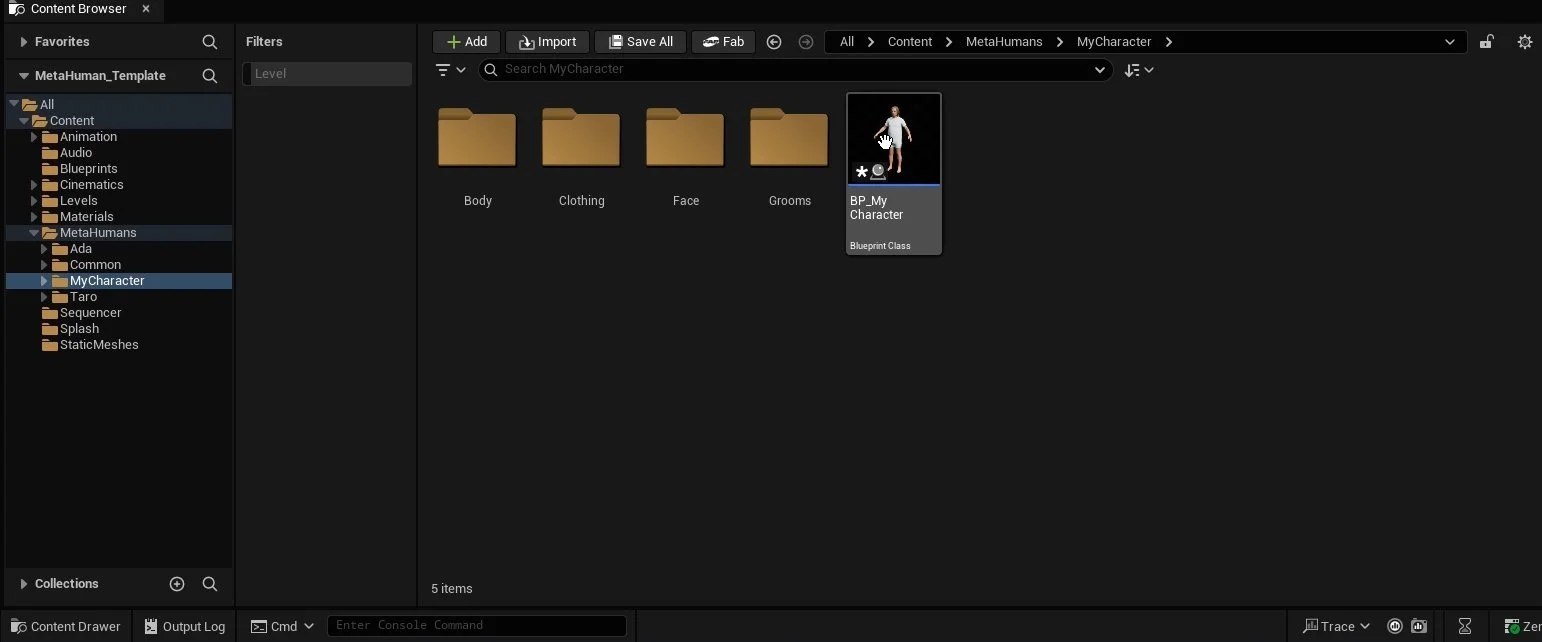
Once we have created a full rig and downloaded texture sources, the Assemble option will go green, and once clicked, another warning will appear, which we can confirm (yes) to begin assembly. Once assembled, this will create a MetaHuman character folder within the MetaHumans folder in Content Browser as a Blueprint character. This Blueprint character can then be dragged into our Unreal level.