
Editing
DaVinci Resolve, developed by Blackmagic Design, is a professional-grade post-production software that integrates video editing, colour correction, visual effects, motion graphics, and audio mixing into a single platform. Widely adopted across various industries, including media production, marketing, education, and film, it boasts over 5.47 million users and is trusted by more than 5,500 companies worldwide. Its powerful colour grading tools—used in major productions like Game of Thrones and Avatar—have earned Emmy recognition, while its Fairlight audio engine and AI-powered features, such as IntelliScript and Smart Multicam switching, make it a favourite Smart Multicam switching make it a favorite among professionals. DaVinci Resolve also supports real-time collaboration through Blackmagic Cloud and offers a one-time purchase model for its Studio version, making it both accessible and cost-effective. With its all-in-one workflow and Hollywood-grade capabilities, DaVinci Resolve stands as a leading solution in modern video post-production.
Available for PC, Mac and iOS (iPad) with a free version and a one-off paid version (studio) available.
Download and official webpage: https://www.blackmagicdesign.com/uk/products/davinciresolve
Whilst the video above may cover a previous version of Da Vinci Resolve, the principles and process are the same between versions. The free version may house fewer features than the studio full version, but it is perfectly suited towards mobile and indie productions.
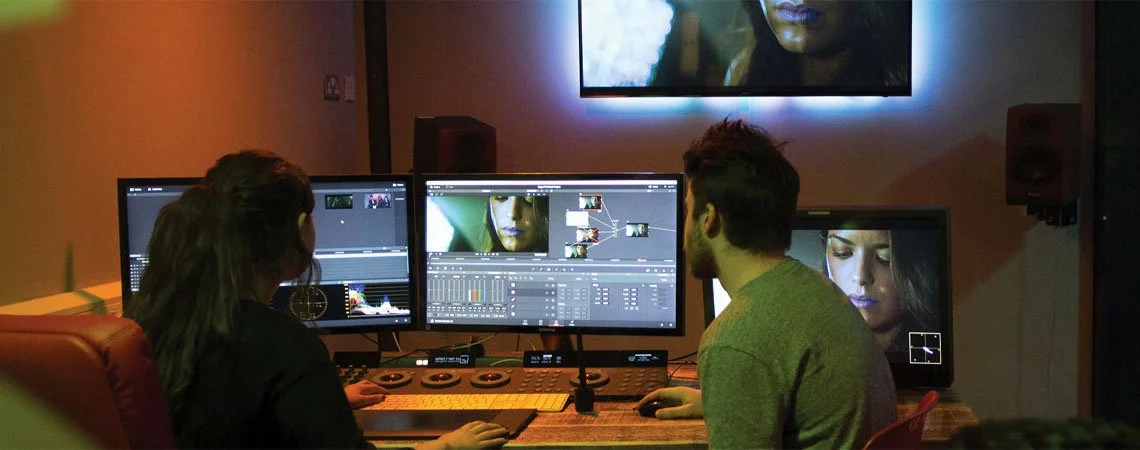
Whilst we won’t necessarily be using all of the features of Da Vinci Resolve for mobile productions, it is worthwhile trying to get your head around its interface alongside learning some of its shortcuts if intending to produce a lot of mobile and indie production pieces.
As with anything, having a clear and consistent file structure and process will make workflows smoother and collaboration easier.