
Ingest, Stitching and Organisation
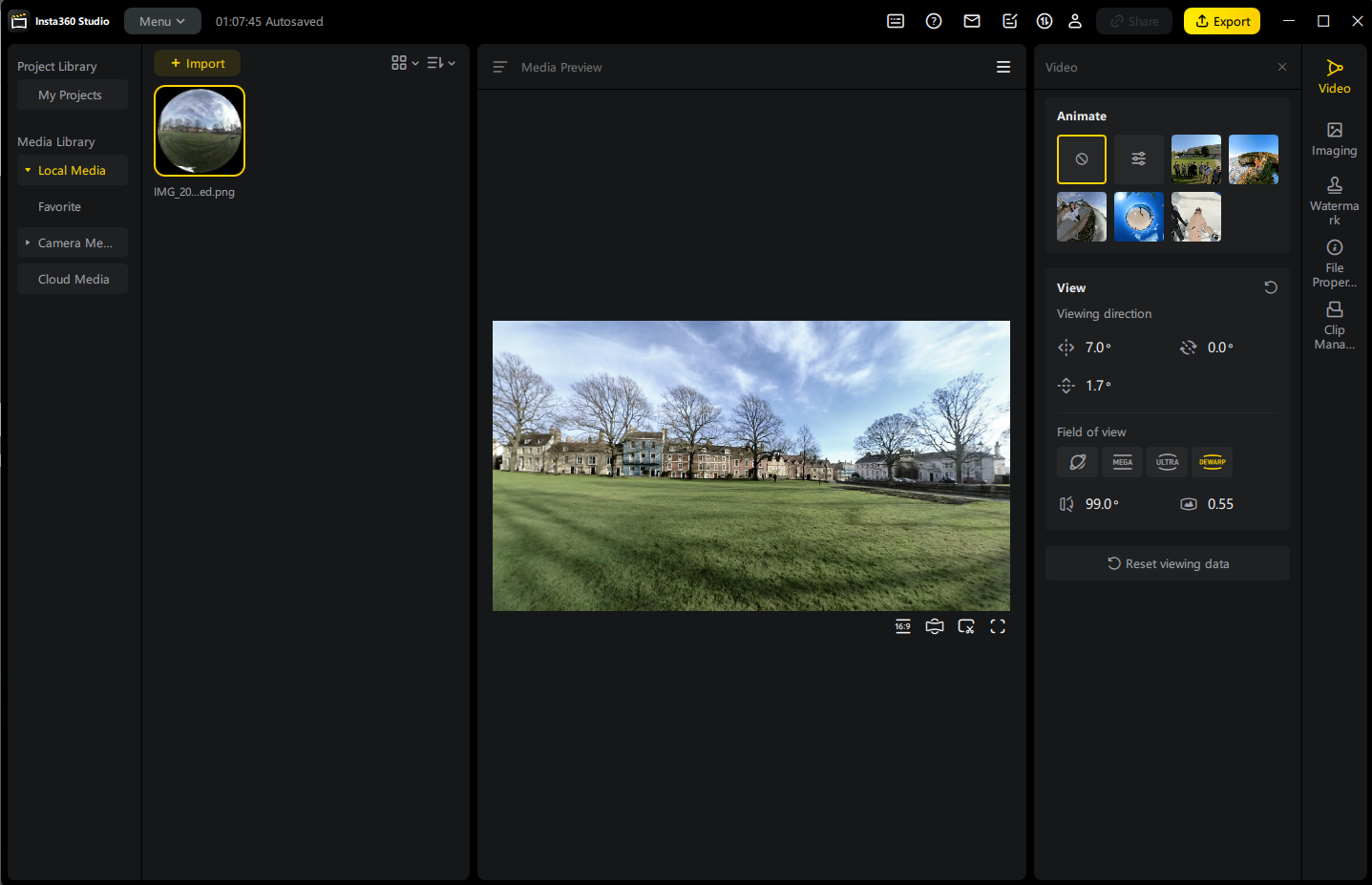
To work with 360 footage, as with any filmic content, we first have to ensure it is converted and stitched so that our editing program of choice can handle it for editing and export. Depending on the camera used, stitching and basic editing tools are often provided to process these captures into an equirectangular video file that programs such as Premiere Pro and DaVinci can read.
As we would with any media content, we would always copy the files from the camera’s internal/microSD storage onto the computer itself and not work from an external storage source. We are not at this stage necessarily worried about the colour grading, the orientation or nadir/zenith patching, as we will be doing this during the edit stage after files have been transcoded, stitched and prepped for editing, given a suitable working file name.
For these guides we will be using and referring to the Insta360 camera range namely using the X4, however the processes remain largely the same regardless of make or model used. As we are using Insta360 cameras, we have used the free-to-download Insta360 Studio application for stitching and basic editing prior to working in our main editing program.